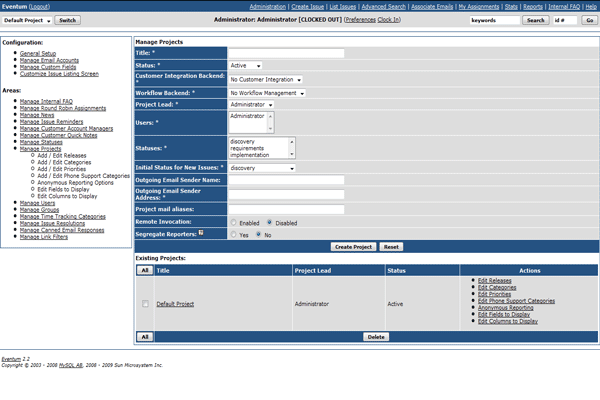
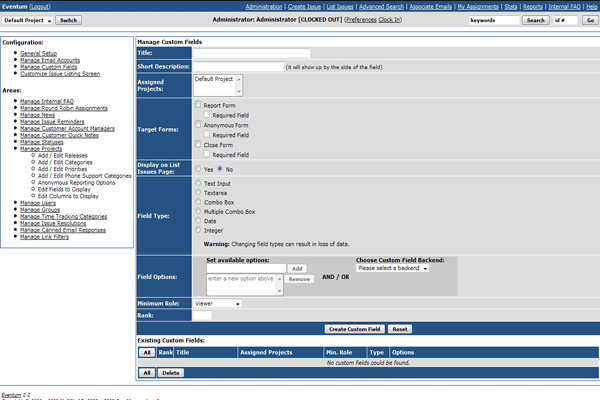
Eventum is a user-friendly and flexible issue tracking system that can be used by a support department to track incoming technical support requests, or by a software development team to quickly organize tasks and bugs.
Features
General
Allow visitors to signup with new Eventum accounts
Ability to turn this feature off altogether
Specify which projects are available for users who create their own accounts
Specify which permission level these users are granted
Ability to run several projects with the same instance of Eventum
Create custom releases, categories and priorities for each project
Assign users to specific projects
Configure certain projects to allow anonymous posting of new issues
Create / Modify / Delete custom issue resolutions
Track duplicate issues
Changes to the duplicated issue are automatically propagated to the child issues
Links from/to the duplicated issue from/to the child ones
Email Integration
Integrate your support emails with issues in Eventum
Use as many email accounts as you want
Associate specific email accounts to projects
Create / Modify / Delete canned email responses to automate common tasks of replying to support email
Email Routing Interface
Email attachments are automatically saved in issue.
Control who is authorized to send emails in each issue.
Blocked emails are saved as notes for later use.
SCM Integration
Integration with CVS/SVN
Keep a history of all modified files associated with a given issue
The CVS module, filename, developer and revision information is saved
Integration with third party tools
Ability to view changes between revisions
Ability to view the source of specific revisions of files
Project Management
Time tracking tool allows you to keep your schedule up-to-date in a per issue basis
Enter time for tasks done in past dates
The owner may remove entries that are wrong or out of place
The total of time spent in an issue is displayed in the issue listing page
Custom categories to be able to see where most of the time is spent on
Issue Listing
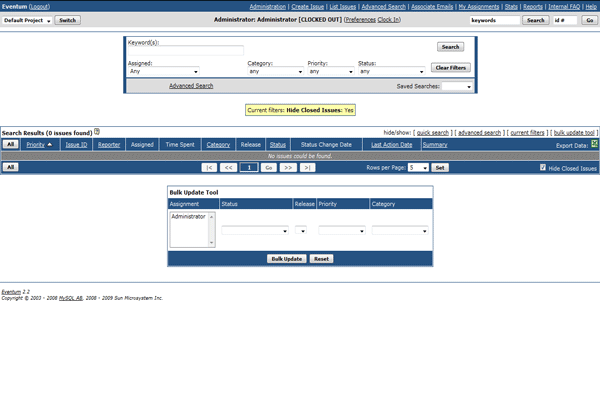
Ability to save and load unlimited custom filters
The grid layout helps you to quickly find all the information you need
The assigned users are displayed for every issue
Quickly assign issues by choosing the issues and the users
The total time spent working in each issue is available
Export the issue listing contents to a spreadsheet
Reporting Issues
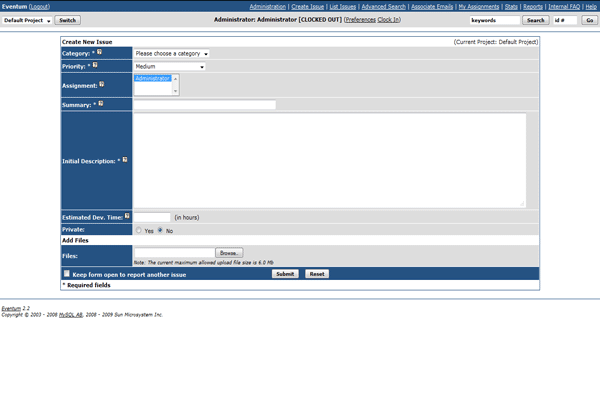
Upload as many files as you want in one go
Report as many issues as you want without having to leave the issue report screen
Command Line Interface
Quickly check and modify issues without opening a web browser.
View details of issues.
Lock/Unlock issues.
Assign issues to any user.
Add authorized repliers to issues.
Change status of issues.
Add time tracking entries.
Close issues with comments.
List and download files attached to issues.
View issue emails.
Unblock blocked emails.
View issue notes.
And much more...
Ratings
Total
User
Guest
1
0
1
3
0
3
0
0
0
0
0
0
0
0
0
Average Ratings
4.25
0.00
4.25
ReviewsNo Reviews yet. Be the first one to Write a Review.